Does the RK100 work on Mac, or only Windows?
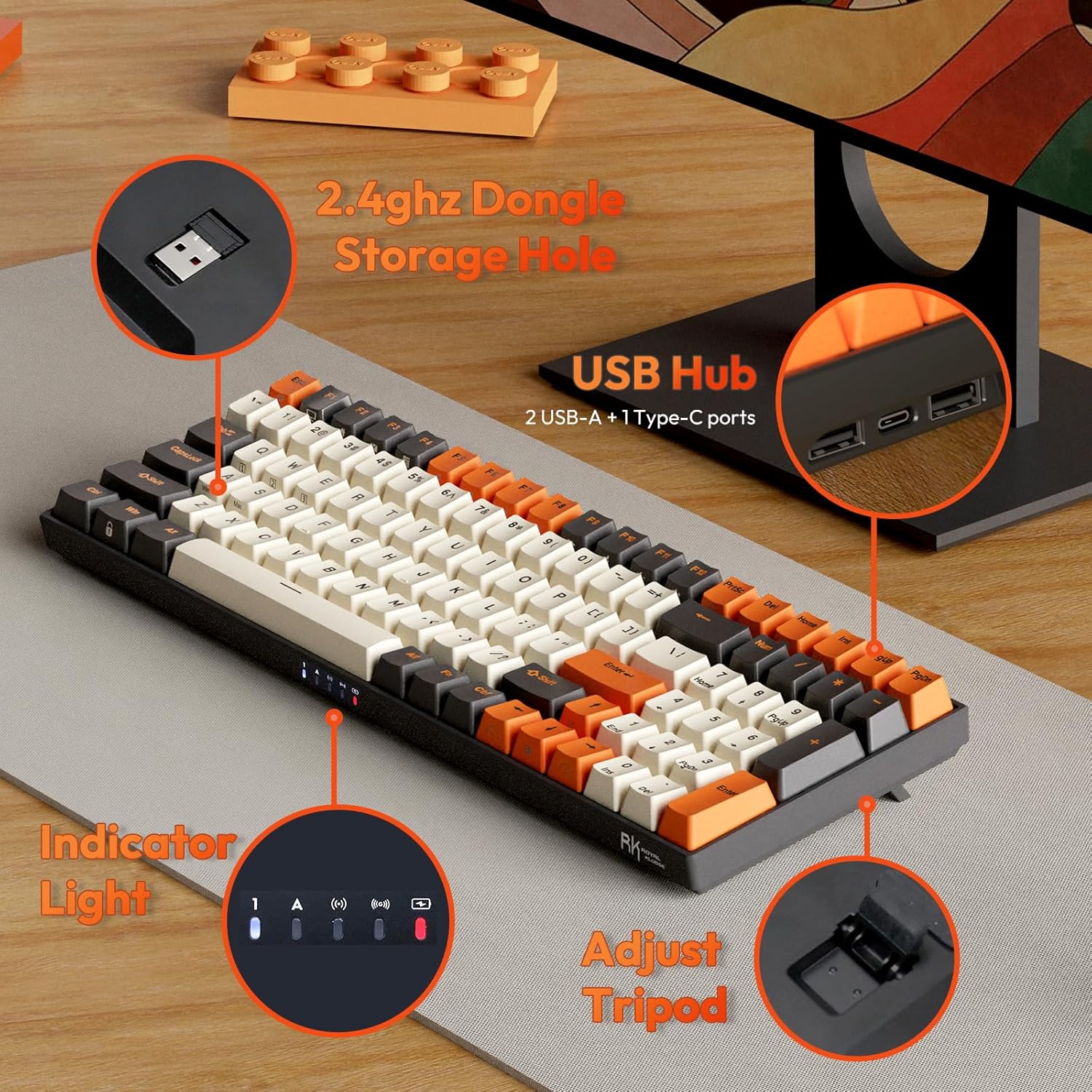
The keyboard itself is listed as compatible with Android, ChromeOS, Linux, macOS and Windows, so typing and basic function keys work across platforms. The RK RGB software used for programming macros and custom lighting, however, is Windows-only and must run with the keyboard connected by USB-C.
Why does Bluetooth keep disconnecting on the RK100?
The keyboard can put itself to sleep over Bluetooth, with Windows playing a disconnect sound when it drops and again when it reconnects. This appears inconsistent rather than universal, since Bluetooth can work as a main connection with batteries lasting over a week. Windows power-saving settings may cause slight key latency.
How long does the battery actually last?
The gap may relate to backlight brightness and wireless mode, though the cause is not confirmed. If runtime matters to you, dim the backlight and keep the USB-C cable accessible as a backup.
Can you swap out the stock red switches?
One owner swapped in lubed Drop Halo and Gateron yellow switches, reporting the yellows dramatically decreased hand fatigue. Use a proper switch opener, and note that a later production run's switches may not work with some openers, requiring tweezers.
Is there a manual for all the FN shortcuts and software?
The keyboard includes documentation, but the manual can be hard to follow in places. The companion software for macros and lighting can also be difficult to locate and confusing once opened. If you plan to use custom macros or lighting profiles, budget extra time to experiment with the FN combinations and software rather than expecting it to be intuitive out of the box.
Is the RK100 durable enough for long-term daily use?
The PBT keycaps can keep their texture and resist shine after months of daily typing. Given this split, it is worth testing the board early and keeping an eye on charging behavior rather than assuming longevity.