Who is the Chromebook 315 really for?
People who spend most of their computer time in a web browser and Google's apps: students, home users and remote workers who write, research, email, video call and stream. The 15.6-inch Full HD screen is the main attraction. It is not for anyone who depends on Windows or Mac software, plays demanding games or edits video.
How long does the battery last?
Acer rates it at up to 10 hours. As with any laptop, the real figure depends on screen brightness, Wi-Fi use and what you are running, so streaming video at full brightness will drain it faster than writing a document on a dimmer screen.
Is 4GB of RAM enough for everyday Chrome OS use?
For everyday tasks, generally yes, because Chrome OS is designed to run lean and most work happens in the browser. It becomes a limit if you keep many tabs and Android apps open at once. The 4GB of LPDDR4X memory is on-board and cannot be upgraded, so choose a model with more memory if you know you multitask heavily.
Does it support Android apps from Google Play?
Yes. Acer lists access to more than 2 million Android apps from Google Play, alongside Google's own apps, which come standard. Some Android apps are designed for phones and look best in a smaller window on a laptop screen.
What ports does it have?
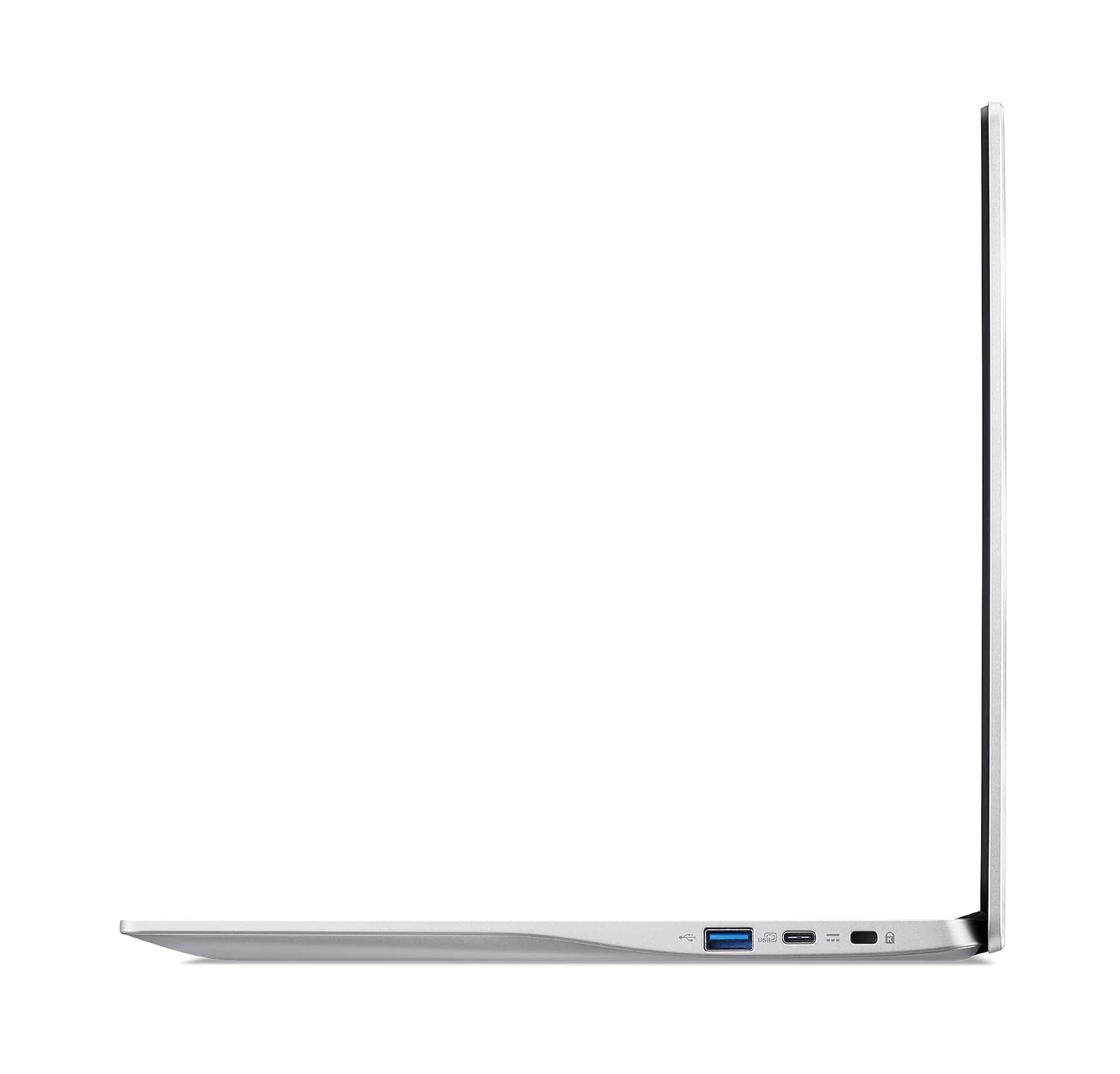
Two USB Type-C ports supporting USB 3.2 Gen 2 at up to 10 Gbps, with DisplayPort over USB-C and USB charging, plus two USB 3.2 Gen 1 ports. Wireless connections are Intel Wi-Fi 6 AX201, dual-band 2.4GHz and 5GHz, and Bluetooth 5.1.
Can I use Microsoft Office files on it?
Yes. Google's apps come standard, and Acer notes you can edit, download and convert Microsoft Office files in Google Docs, Sheets and Slides. That covers most school and office documents, though complex spreadsheets or heavily formatted files can look slightly different after conversion.