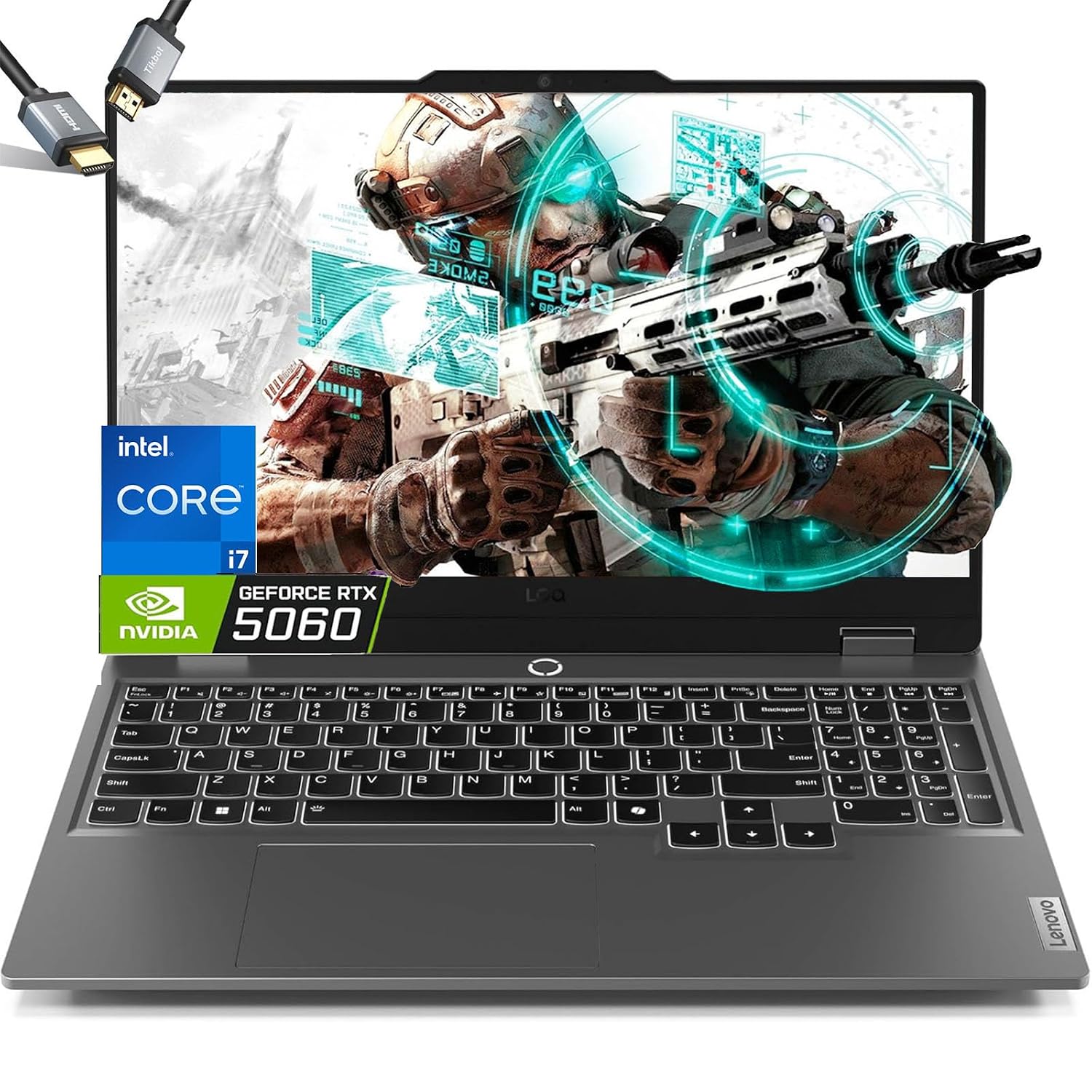
Does this laptop have an RTX 3050 or an RTX 3050 Ti?
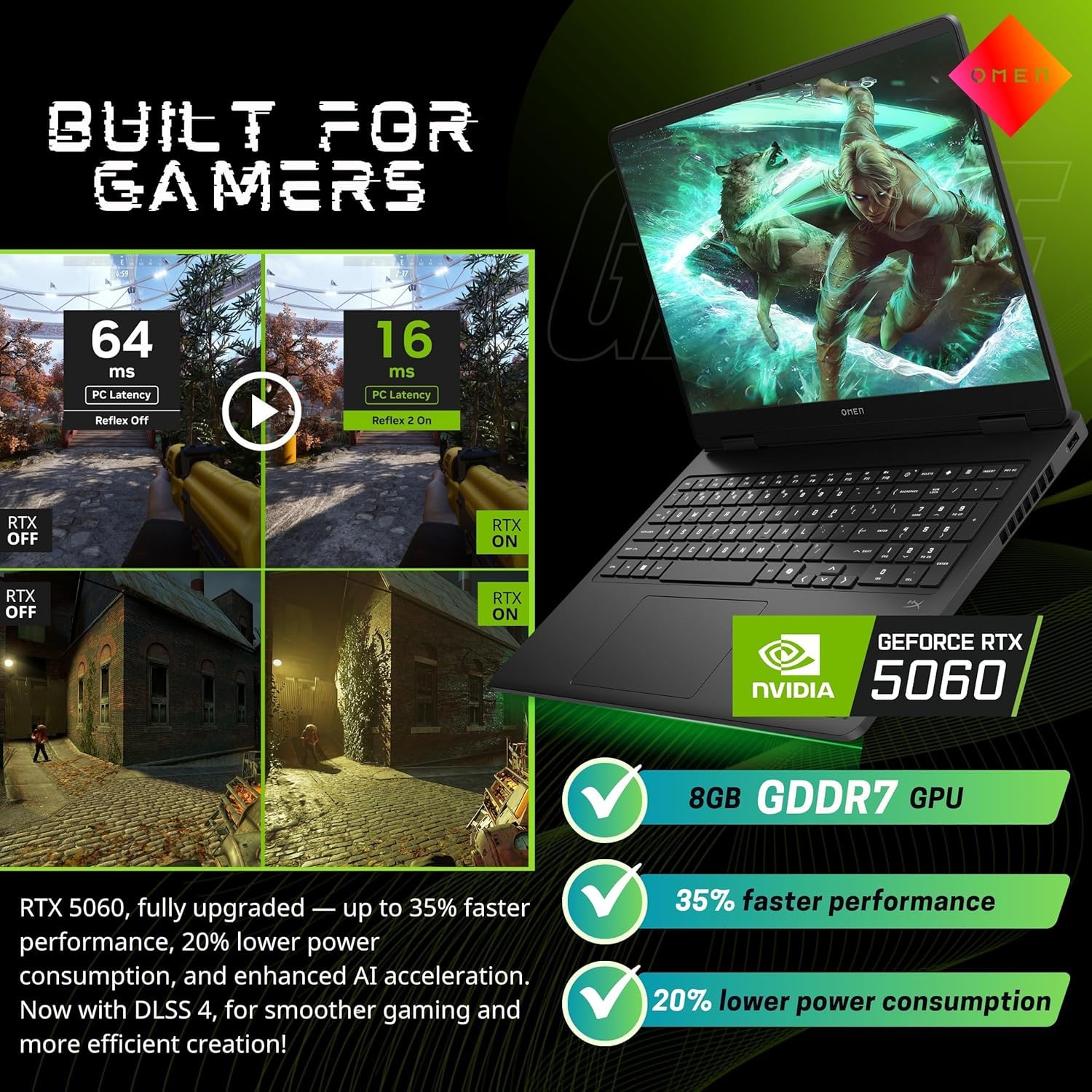
Lenovo sells it with NVIDIA GeForce RTX 3050 Ti graphics, with 4GB of dedicated GDDR6 memory on the Ampere architecture, and names the Ti in both the model name and its feature list. If the exact GPU tier matters to your decision, check the graphics adapter in Windows Device Manager when it arrives, while you are still inside the return window.
Is the CPU an i7-12700H or i7-12650H?
Lenovo lists the Core i7-12700H for this model (82S900S1US): a 12th Gen Core i7 with a 2.3GHz base speed, a 4.5GHz maximum and 24MB of cache. The i7-12650H is a different, lower-tier chip from the same 12th Gen H-series family; the 12700H is the one Lenovo names for this configuration.
Is 8GB of RAM enough, and can it be upgraded?
The unit ships with 8GB of DDR4 memory at 3200MHz, and Lenovo rates it to a 16GB maximum. That ceiling is tight for gaming alongside background apps, browser tabs, and streaming software running at once, and the memory is the first thing to upgrade, since lag or frame drops can show in memory-hungry games until you do. 32GB (2x16GB) DDR4 kits have been installed and worked more than once, beyond Lenovo's stated maximum. That is real-world experience rather than an official spec, so buy the memory from a seller with an easy return policy.
How good is the battery life in real use?
Lenovo rates the 45Wh lithium-ion battery at 9 hours, with Rapid Charge reaching 40% in 15 minutes. Battery life is a mixed point rather than a strength, though, and in work use a full charge can drain in around an hour and a half. That's a substantial gap from the rated figure, likely reflecting how real workloads -- display brightness, Wi-Fi, background apps -- draw down the battery much faster than a light, idle test scenario would.
Is the display good enough for gaming and everyday use?
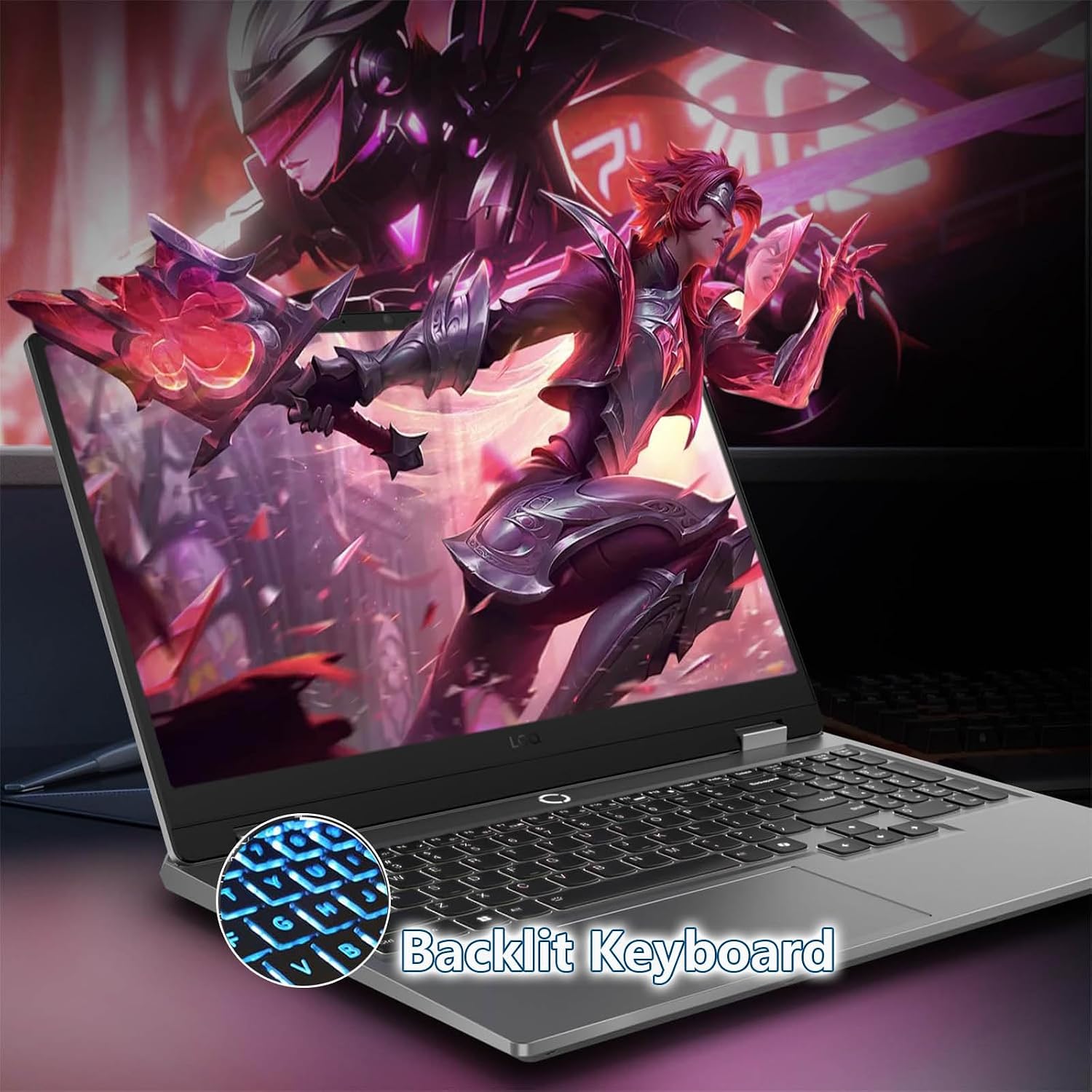
The panel is a 15.6-inch IPS display at native 1920x1080 resolution with a 120Hz refresh rate and an anti-glare coating -- specs that generally deliver smoother motion and better color and viewing angles than the 60Hz TN panels common at this price. Display quality is a mixed point, though: some units satisfy fully and others don't quite live up to the numbers, most likely due to normal panel-to-panel variation in brightness and color consistency rather than the resolution or refresh rate itself being misrepresented.
Is this laptop good value for the price, and who is it for?
It is consistently good value for money and among the better gaming laptops at its price. Performance, display quality, and battery life all get mixed rather than uniformly glowing feedback, so this fits best as a budget-conscious pick for casual gaming and everyday productivity, ideally with a memory upgrade planned from day one. It is not for a buyer chasing flawless benchmarks or premium panel consistency.