Does it really run at 100Hz, and does it matter?
Sceptre rates the two HDMI inputs and the VGA input at up to 100Hz. Refresh rate is how many times per second the screen redraws, and a higher figure makes mouse movement, scrolling and fast camera pans look smoother, which is the main reason people replace an otherwise working monitor. It also interacts with your hardware: the benefit only shows if your computer or console can produce frames that fast. If refresh rate is why you are buying, set it in your display settings on day one and confirm what your model offers.
It arrived and Windows says 60Hz. Have I been sold the wrong thing?
Not necessarily, because a monitor capable of a higher rate often does not select it by default. Windows display settings and macOS both show the refresh rate the monitor is running at and let you change it, so look for a higher option there before concluding anything. Check the cable too, since an old or low-specification cable can cap what the connection carries, and on a laptop set the monitor as the main display rather than mirroring.
Will the glossy screen show reflections?
Yes. Sceptre lists the screen surface as glossy, which produces deeper blacks and more vivid colour because there is no diffusing layer scattering the light. It also reflects whatever is in the room, and no display setting removes that. Before ordering, look at where the monitor will sit and what is behind your chair: in a room where you control the light, glossy looks better; opposite a bright window, it will frustrate you.
Are the built-in speakers usable?
As a fallback only. The sound is very quiet, and that is typical of monitor speakers, which are tiny drivers squeezed in behind the panel. They are fine for a video call or background video, not for music or games. Use the headphone jack or connect powered desk speakers; plugging headphones into the monitor can make a large difference in games.
Is it good enough for photo editing?
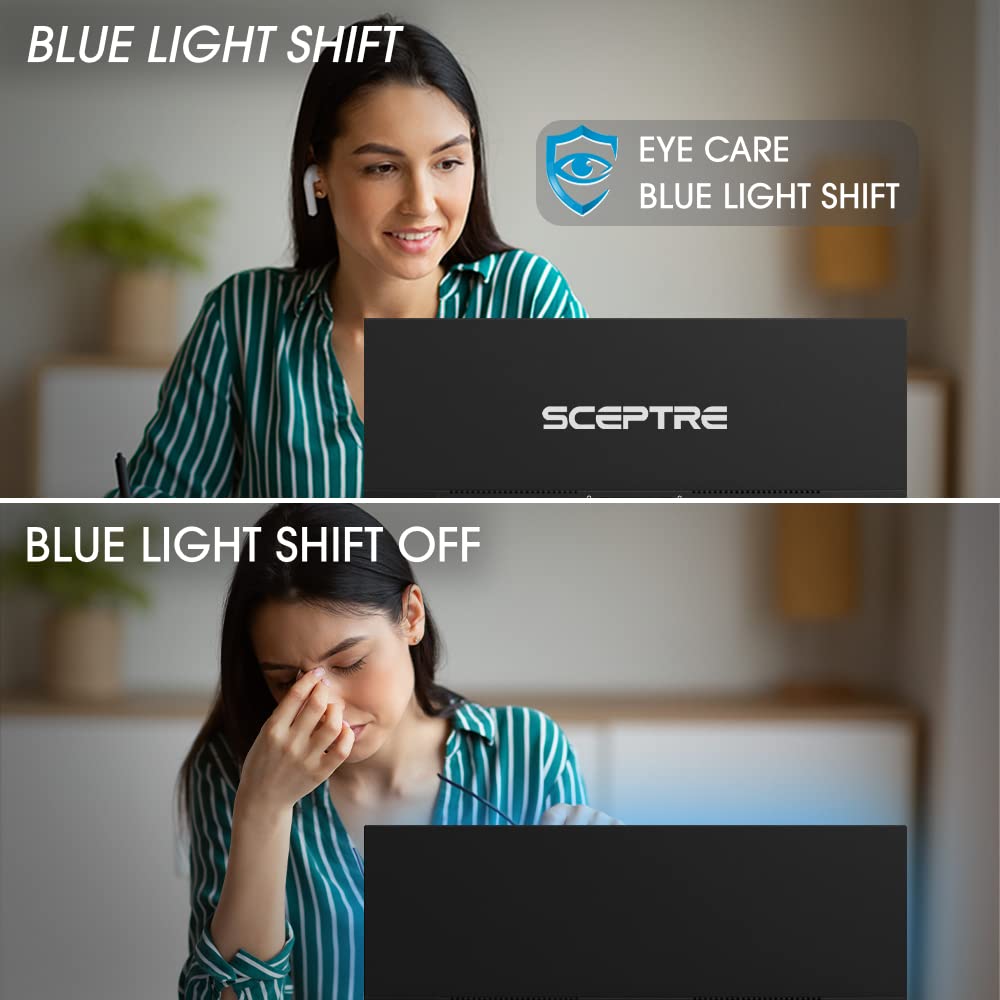
For personal work, yes. The 99% sRGB coverage Sceptre claims is the specification that matters most here, and the colour is genuinely rich. Two caveats keep that in proportion: covering a colour space is not the same as being accurate within it, and a budget monitor will not arrive calibrated. If colour accuracy matters for paid work, the next purchase is a calibration device rather than a more expensive monitor. Switch Blue Light Shift off while editing, since it warms the picture.
What if my unit fails early?
Buy from a seller with a straightforward returns process and use the monitor properly in the first weeks rather than leaving it boxed. Some units stop within a week or after about two years, while others survive years of heavy daily use. A fault caught inside the return window costs you nothing, and after that Sceptre's limited one-year warranty is your backstop, so keep the proof of purchase.