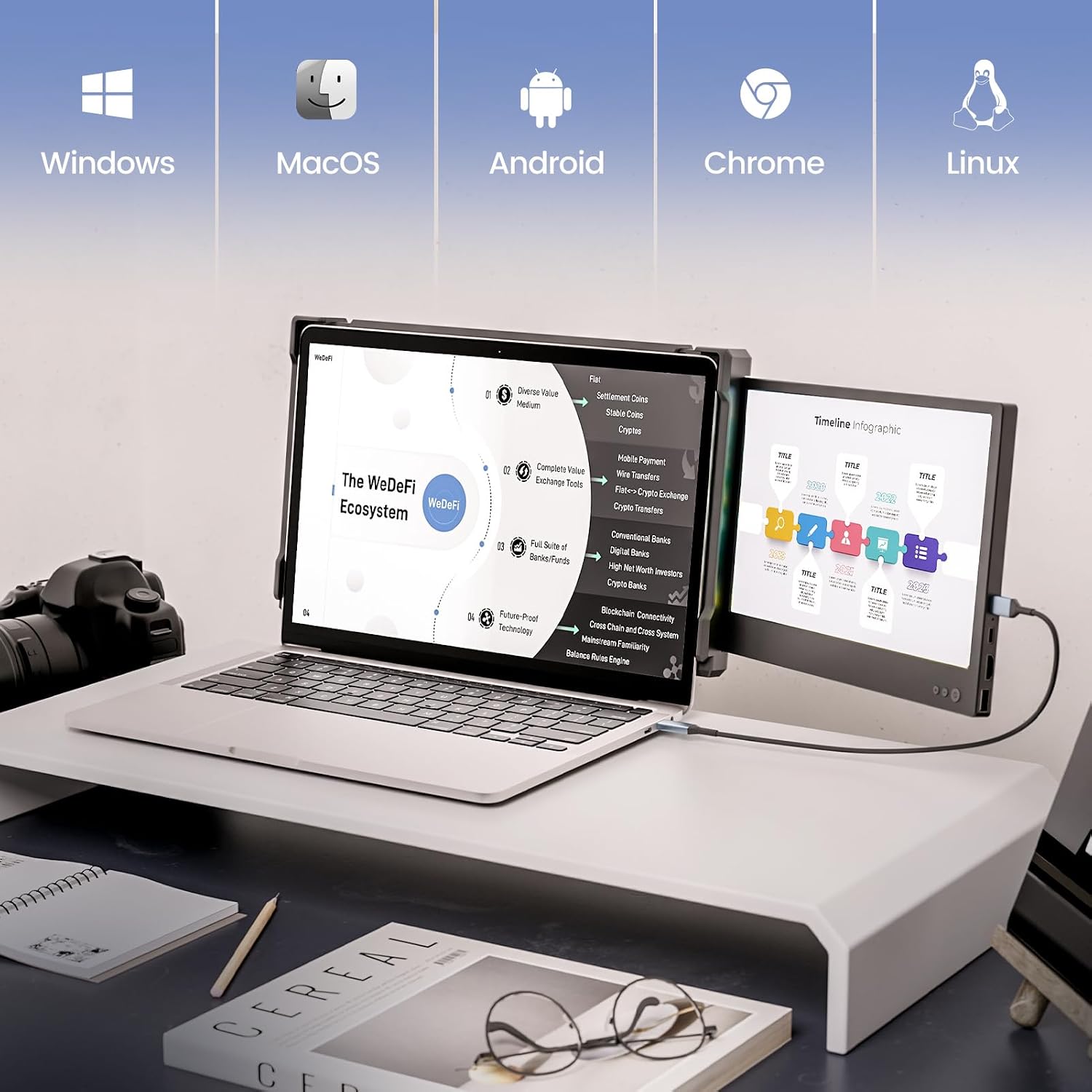
Does this work with MacBooks, Windows laptops, and Android/Samsung DeX?
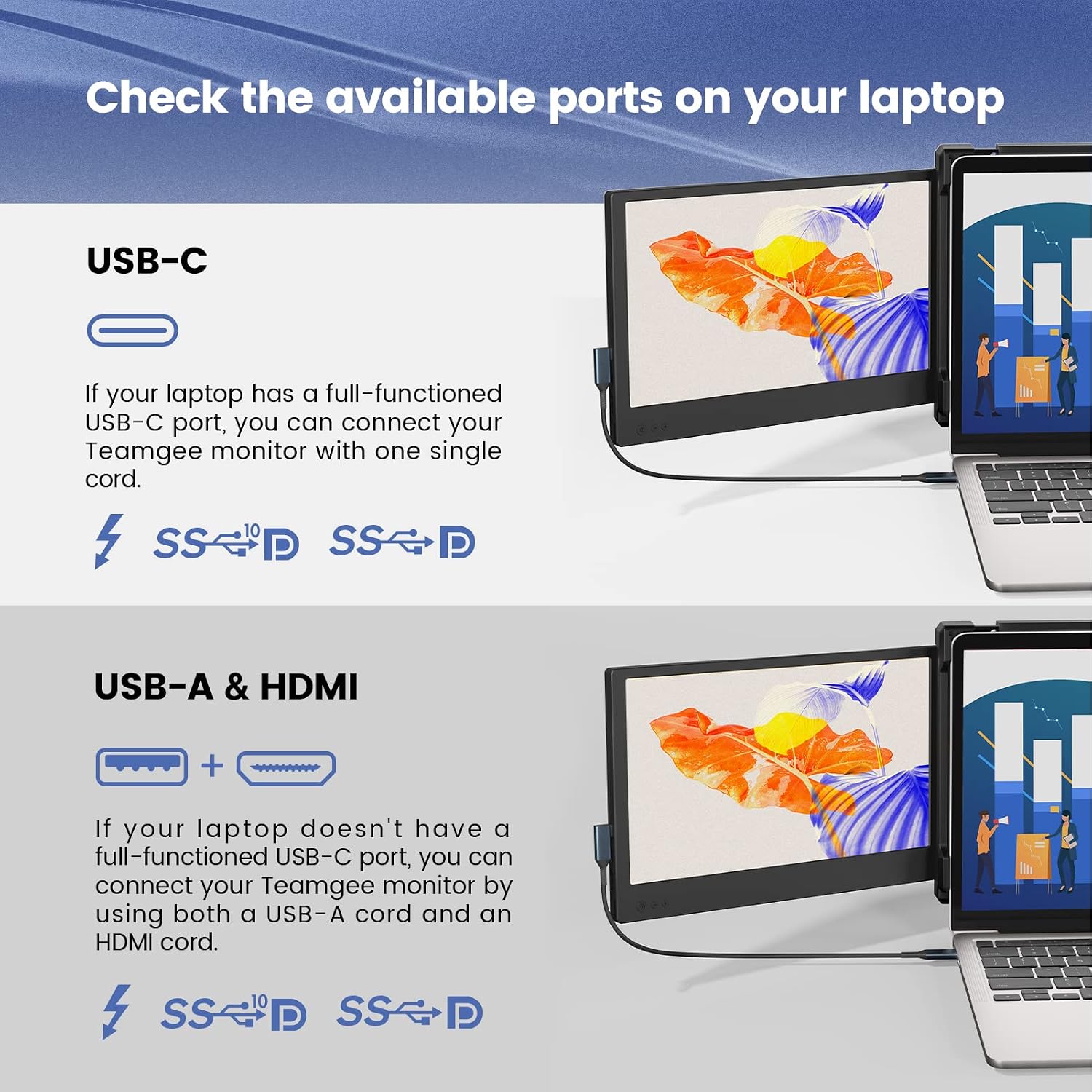
Teamgee lists Mac, Windows, Android and Samsung DeX, with USB-C, USB-A and HDMI connections. Windows laptops with full-featured USB-C ports are the simplest case. MacBooks with M1 to M4 chips need a DisplayLink docking station to run both screens, and Teamgee says the Dell Latitude 5440 and Precision 5690 and 3580 need an adapter. Compatibility is the one theme buyers rate as mixed, so check your ports first.
How is the screen extender powered and connected?
Each screen connects by USB-C, USB-A or HDMI and runs on 5 volts. Full-featured USB-C ports can carry both video and power. With USB-A and HDMI, connect USB-A first and HDMI second, and if the screen shows No Power, try another USB-A port. One owner found their laptop could not power both screens, and another used a phone charger as an external power source.
What size laptops does it fit, and how portable is it really?
It fits laptops with 13 to 17 inch screens, measured diagonally, and folds flat at 180 degrees into the included carrying case. It weighs 1.62 kg, which one owner calls a little heavy, but buyers rate portability positively and describe using it on work trips, in hotels and in a motorhome.
Is the picture quality actually good?
Buyers rate picture quality positively and describe the screens as crisp and clear. Teamgee rates them at 300 nits brightness, 72% NTSC colour and a 1000:1 contrast ratio on a matte anti-glare Full HD panel, and one owner finds them bright enough in a sunny room. They suit documents, spreadsheets and calls rather than colour-critical design work.
Do the built-in stand and speakers remove the need for extra accessories?
For the stand and sound, yes: an adjustable kickstand with non-slip rubber padding supports the laptop, and built-in speakers handle calls and casual audio. What you might still need depends on your laptop: some owners needed a port replicator, adapter or extra power source to connect both screens.
Is it worth buying?
Buyers rate value for money positively alongside quality, setup and productivity, and owners who travel for work consistently call it worth having. It pays off most if your laptop has full-featured USB-C ports. If yours does not, budget time and possibly an adapter or dock to get both screens running.