Does the Dopesplay 15.6 portable monitor work with any laptop via USB-C?
It works over USB-C on laptops with a USB-C port, but a laptop without one may not connect. A laptop without a USB-C port may fail to produce a picture even when adapters are used.
Can it connect to a phone, and which phones work best?
Yes, via Phone Mode; the manufacturer says phones with a full-featured Type-C port connect with the USB-C to USB-C cable, and names specific Samsung Galaxy, Note and Fold models. Other Android phones without a full-function Type-C port need a separate adapter not included in the box. iPhones only support screen projection through a lightning to mini HDMI adapter rather than a true extended desktop.
Is the panel IPS or LCD?
The marketing copy describes it as a 1080P IPS panel, while the panel type is also described as plain LCD, so the exact panel technology is not consistently confirmed across the brand's own materials. Buyers prioritizing confirmed IPS color consistency should treat this as an open question rather than a settled spec.
Does it support Extend and Duplicate mode for a laptop?
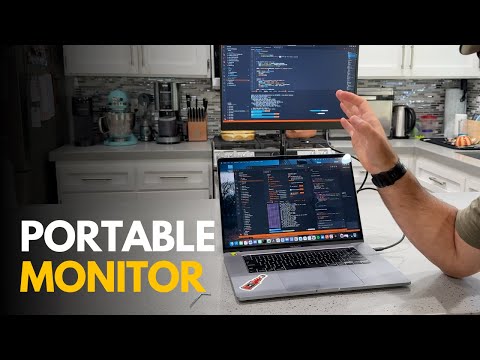
Yes, when connected to a laptop or PC, it offers both Extend Mode (for additional desktop space) and Duplicate Mode (for mirroring). Extend Mode adds usable space, while Duplicate Mode simply repeats the main screen.
Why do only some of the included cables work for me?
Cable compatibility can vary by laptop, and connection issues are among the mixed feedback on this monitor, so it's worth testing each cable at setup rather than assuming all will work interchangeably.
Can it be used with gaming consoles?
The manufacturer names compatibility with PS4, PS5, Xbox and Nintendo Switch. The manufacturer gives a 60Hz refresh rate and 3 millisecond response time.