Does the Synnov P7 work with MacBooks that have M1, M2, or M3 chips?
The manufacturer states there is a compatibility limitation with MacBooks using M1, M2, or M3 chips due to chip-level constraints, even when the MacBook has a full-featured USB-C port. Apple Silicon MacBook compatibility should be checked carefully before buying, since the extender may not function fully despite meeting the port requirement. If you own an M-series Mac, contacting the manufacturer for specific model compatibility before purchase is the safer route.
Why won't the second screen on my Synnov 15.6" extender connect?
In at least one documented case, the second panel got stuck in a 'no signal' or power-save loop despite trying multiple cables and power outlets, on a laptop that appeared to meet the stated specs. One possible cause is a USB-C port that isn't 'full-featured' (video-capable), which the manufacturer requires for the unit to work. Try each included cable in turn, and confirm with your laptop's documentation that the port supports video output over USB-C, not just charging.
How much does the Synnov 15.6" screen extender weigh, and is it good for travel?
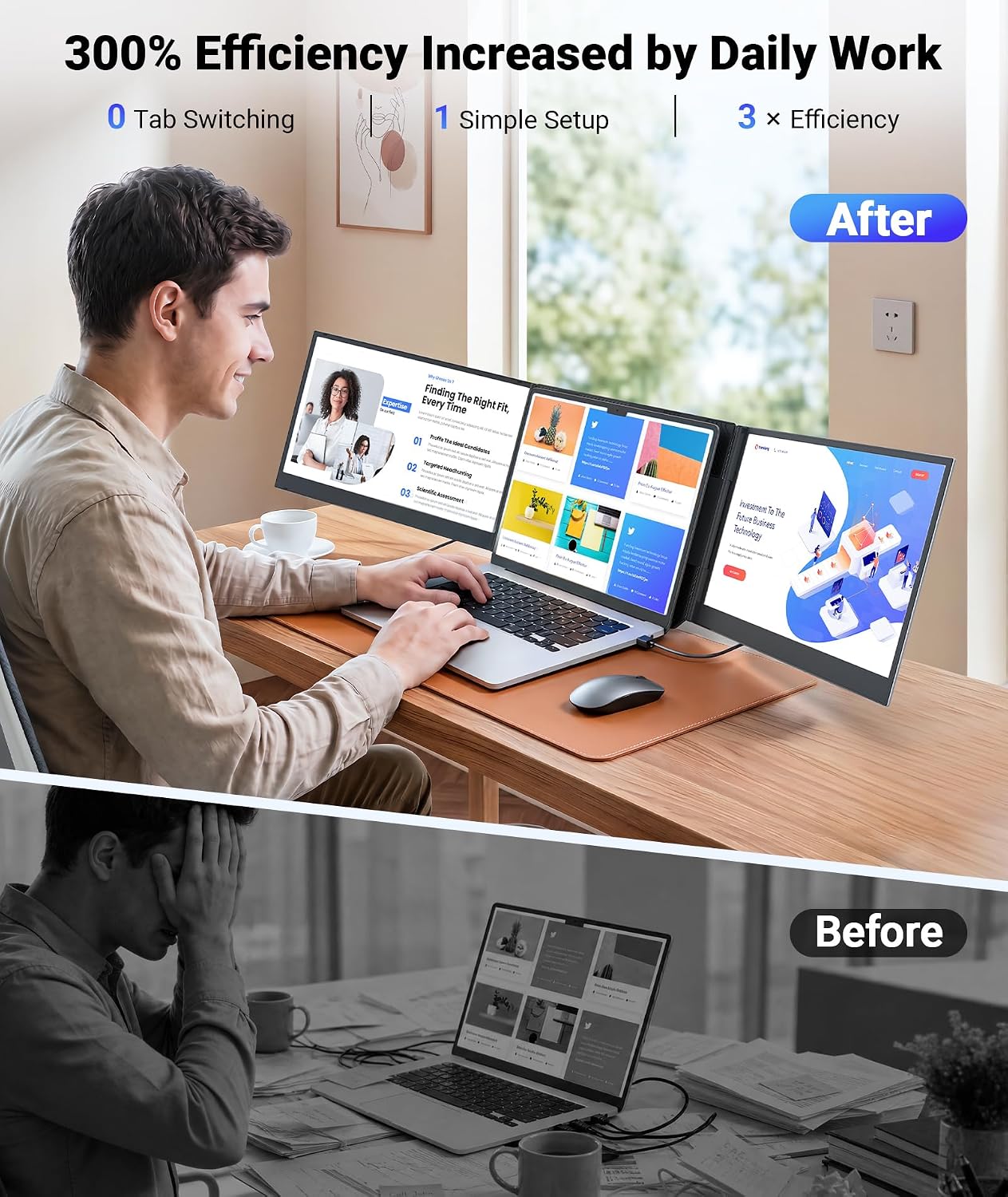
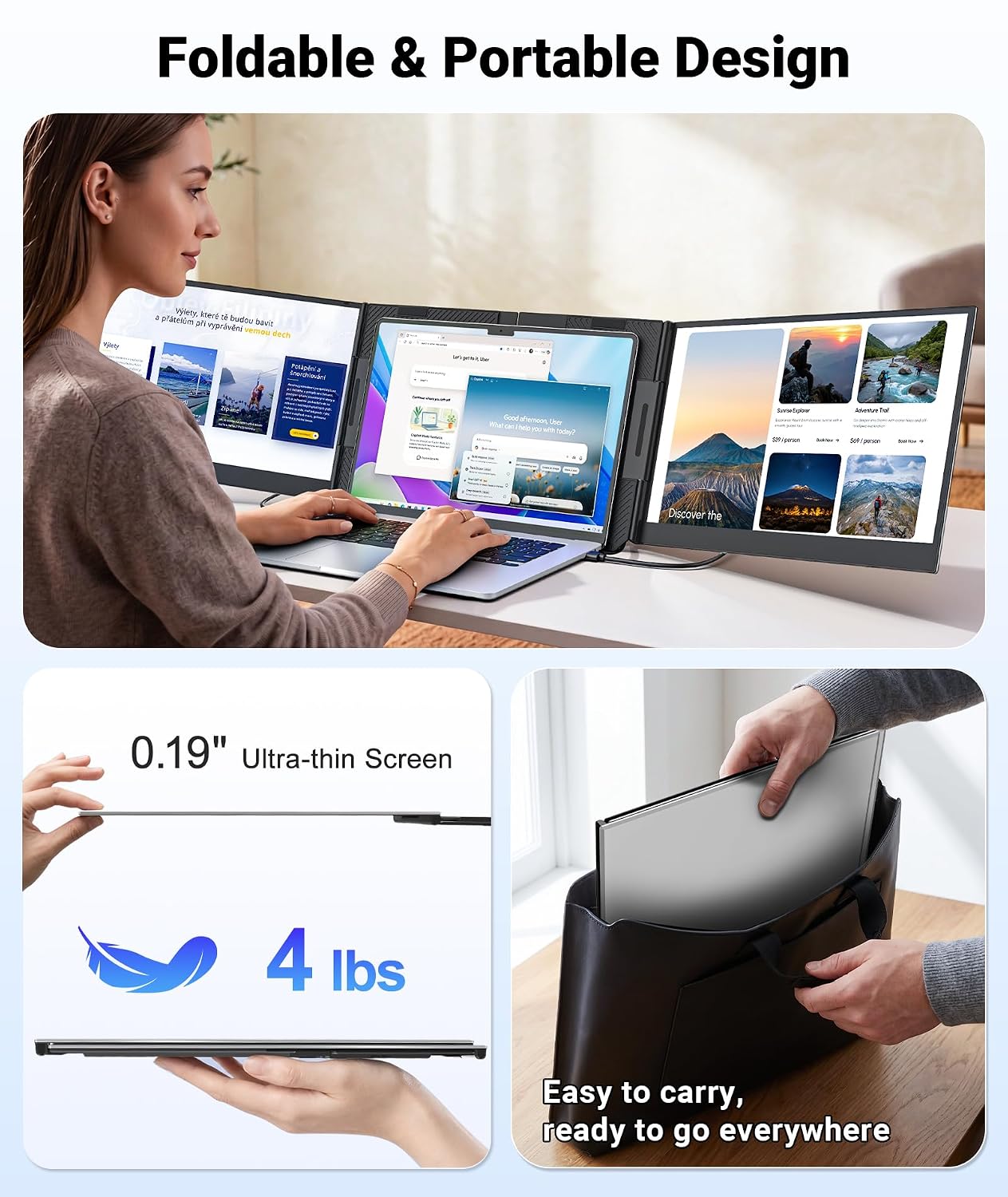
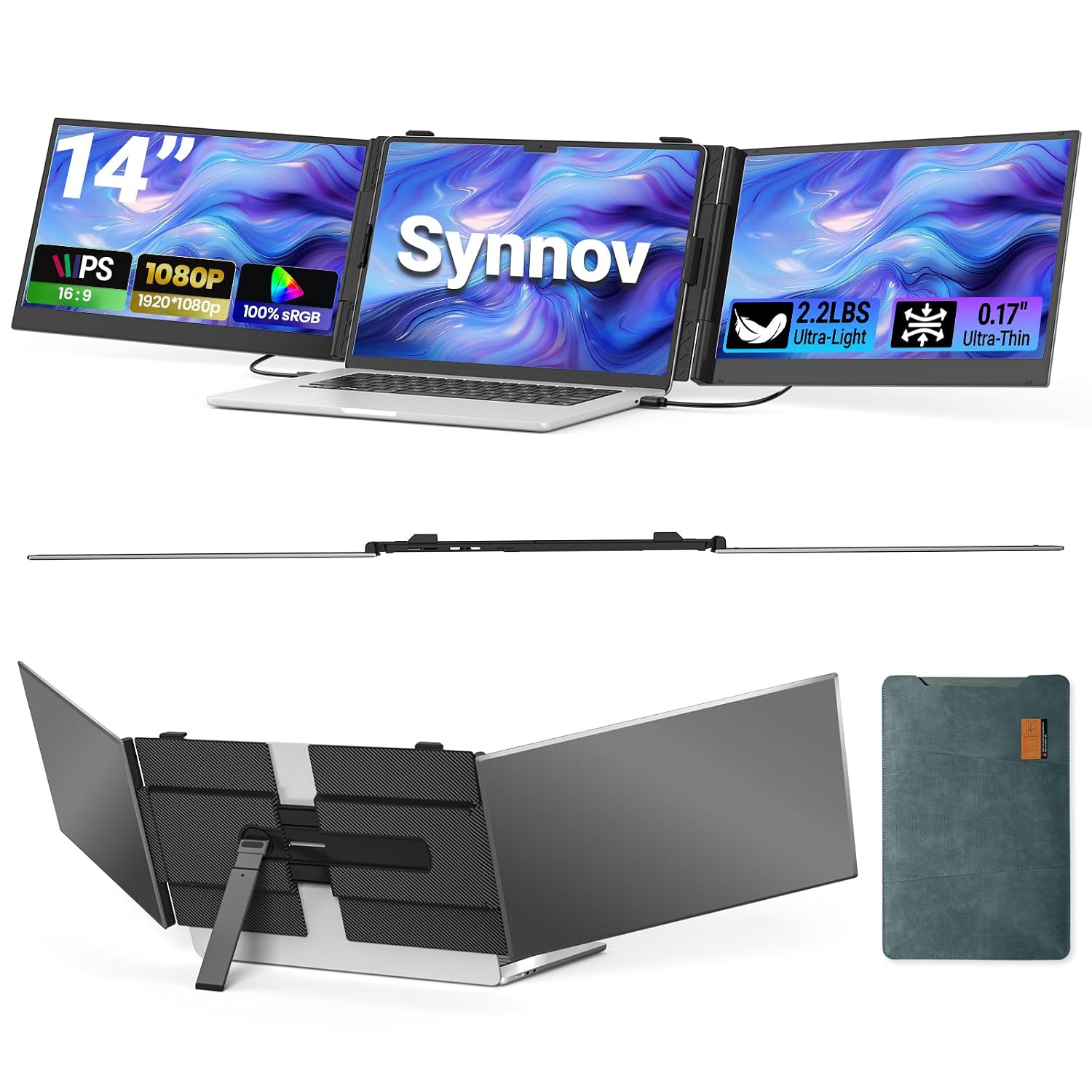
It weighs 4 pounds and measures about 0.87 inches thick, with a carrying bag included in the box. It is light enough to carry around for remote work or travel without adding much weight. The unit also folds up between uses, so it doesn't take up much desk space.
What laptop sizes and ports does it support?
It's built to fit laptops from 12 inches to 17.3 inches, and works across Windows, MacOS, Chrome, Linux, and Android, connecting via USB-C or HDMI. The key requirement is at least one full-featured USB-C port on the host laptop; without it, the manufacturer says the extender won't be compatible with your laptop.
Can it run in portrait mode or only as a landscape extension?
Yes, the manufacturer lists extend, mirror, and portrait as supported display modes, selectable through your operating system's display settings once both panels are connected and detected. Portrait mode suits reading long documents or chat windows, while extend mode is generally preferred for general multitasking across spreadsheets, email, and browsers.
Does it need a driver or special software to work?
No; it's designed as plug-and-play, so connecting via USB-C or HDMI should get both panels recognized without installing drivers on Windows, MacOS, Chrome, or Linux systems. Most buyers confirm this works as advertised with an immediate, stable connection. Where it doesn't work immediately, check that the port has full video support, since no driver is needed.