01
One-Cable USB-C Plus Wireless Triple-Screen Setup
Left screen connection USB-C
Right screen connection Wireless
HDMI ports 1
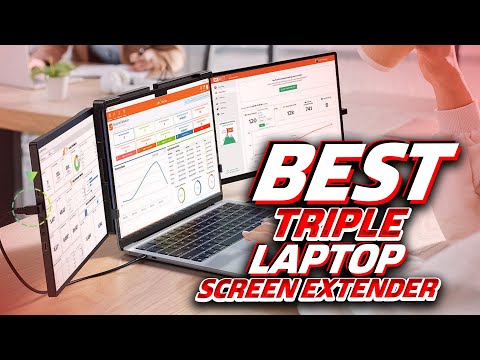
The extender's headline feature is its connection design: the left screen attaches via USB-C while the right screen links wirelessly to the laptop, creating a three-screen desktop (laptop plus two panels) without the tangle of cables that typical dual-monitor extenders require. For anyone working from a laptop-only setup, this matters because desk space and cable management are usually what makes a second monitor impractical to travel with. The manufacturer pitches it for presentations, data analysis and programming, spreading work across three screens with zero app-switching. This setup suits remote workers and editors who need real screen real estate; it's less useful for anyone whose laptop can't output video over USB-C.